
What Are Tie-Lines?
In broadcast environments, tie-lines are dedicated physical connections between two routers that allow signals to pass from one router to the other. For example, if Router A has cameras and Router B has monitors, a tie-line carries a camera signal from Router A's output into Router B's input, making it available to Router B's destinations.
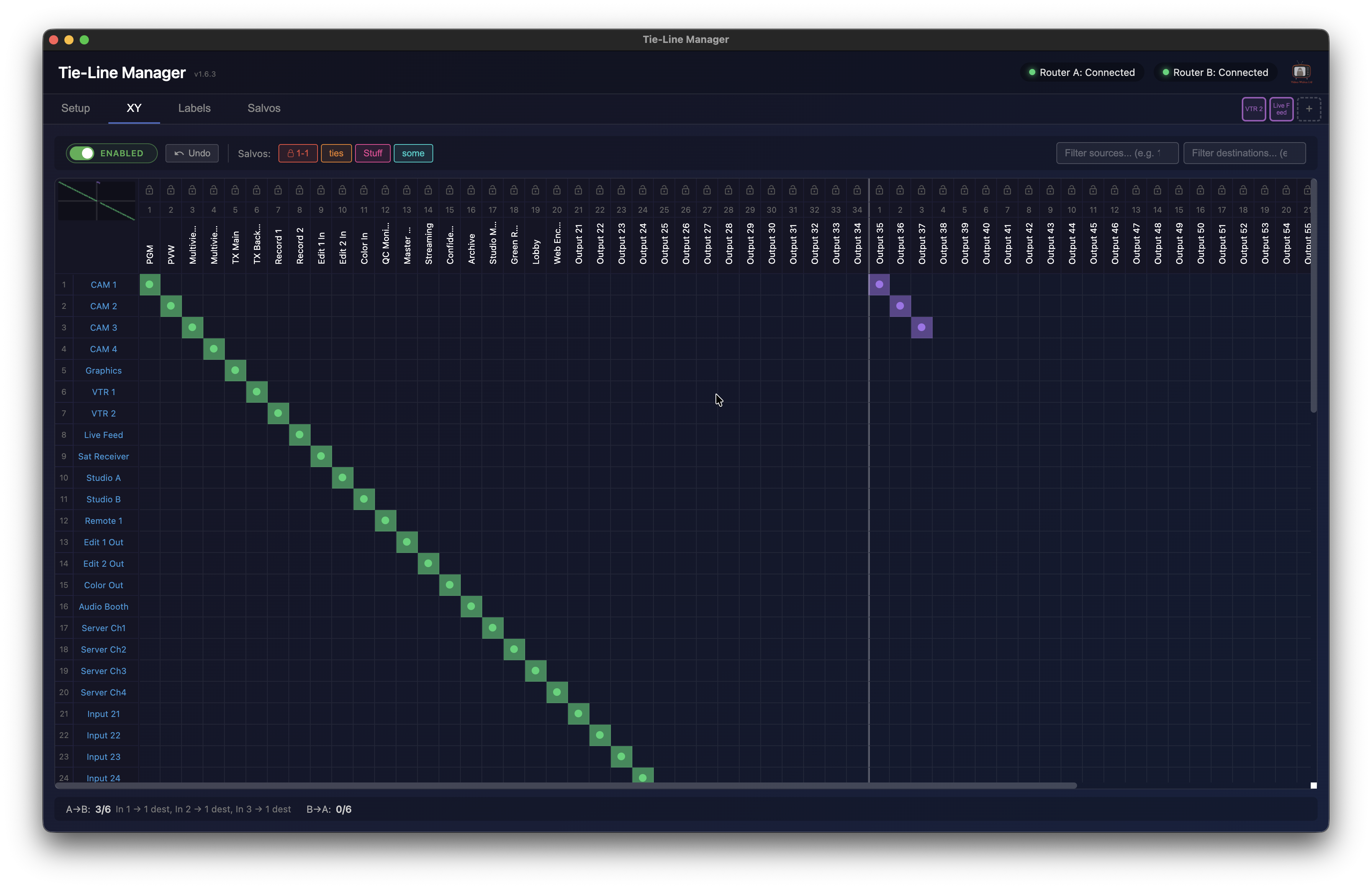
Tie-Line Manager automates this process — it configures which ports serve as tie-lines, hides them from the operator's view, allocates them on demand when cross-router routes are requested, and presents both routers as one seamless virtual router.
Features
- Virtual router XY crosspoint grid combining inputs and outputs from both routers
- Multi-protocol support — Blackmagic VideoHub, SW-P-08 (Calrec / SAM / Grass Valley) and GV Native
- Bi-directional tie-lines (A→B and B→A)
- Automatic tie-line allocation and release as routes change
- Tie-line ports auto-labelled on the physical routers
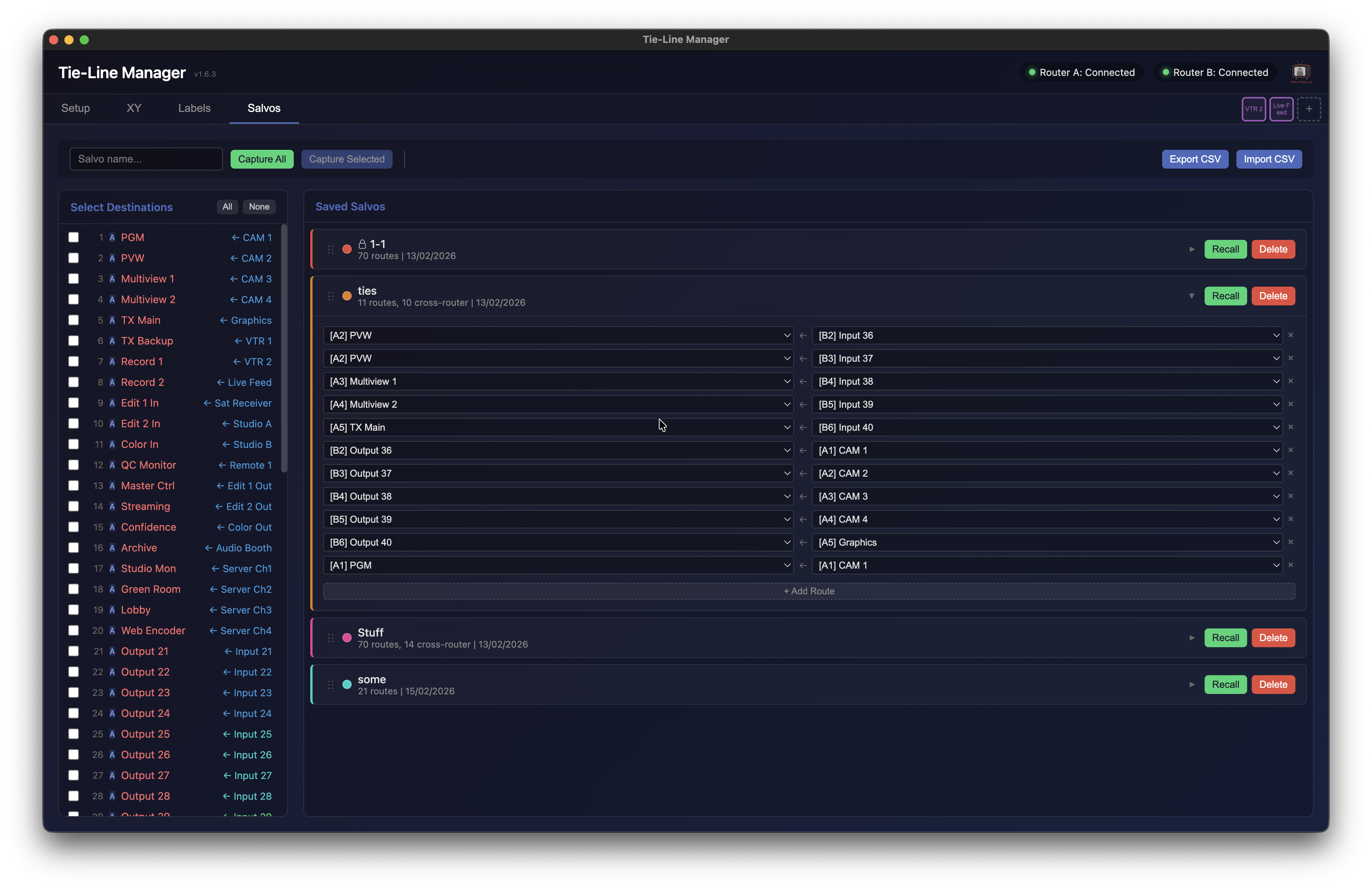
- Salvos — capture and recall routing presets, with CSV import / export
- Output locks to prevent accidental route changes
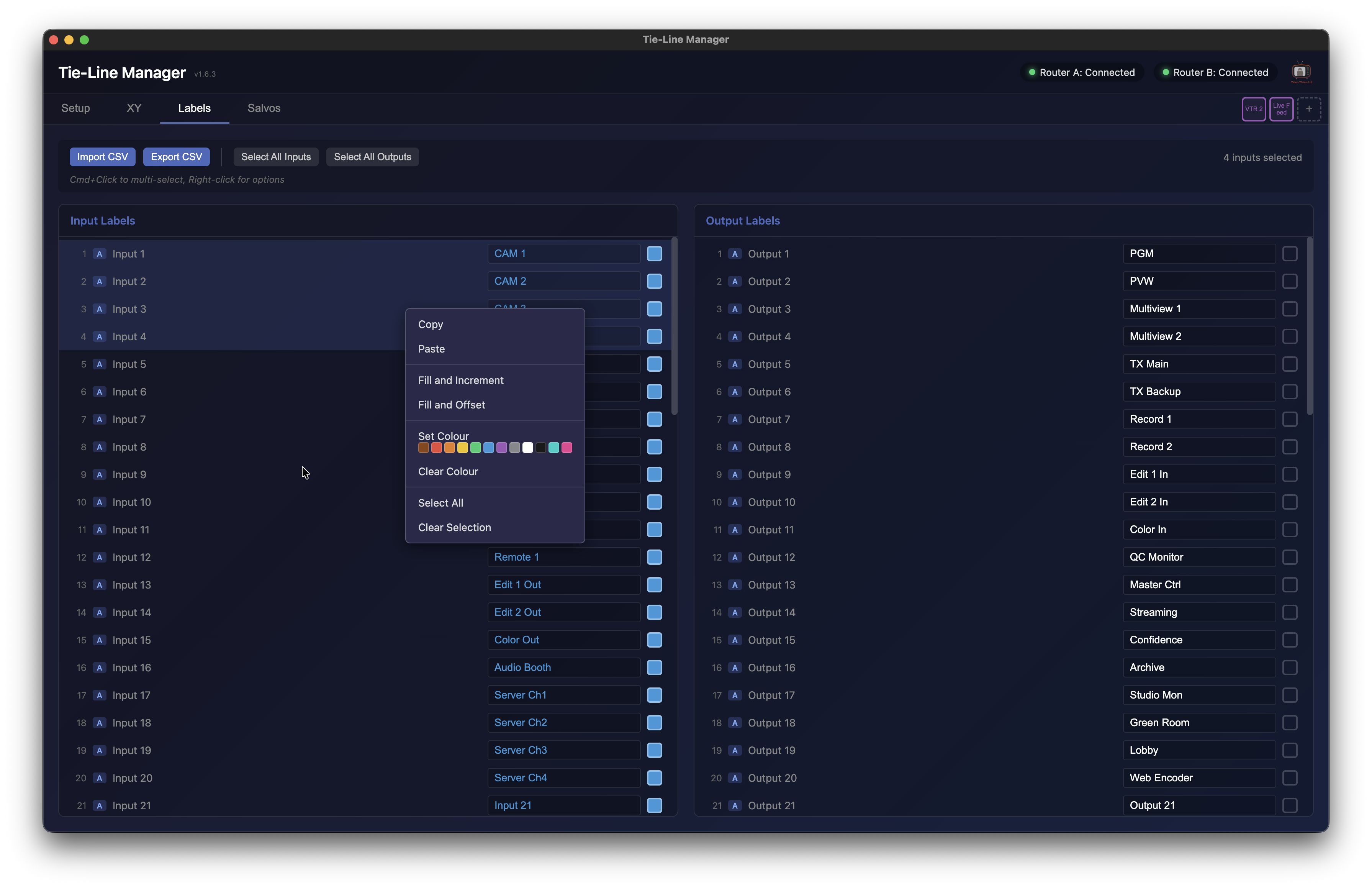
- Label editing with fill / increment, plus colour coding
- Drag-to-route across the XY grid for quick sequential routing
- Filter inputs with range / list syntax (e.g.
1-10,17,20) - Crosshair hover, transpose grid, router colour coding
- Connection history dropdown for previously used routers
- Auto-connect and auto-reconnect on launch / dropouts
- BPS (Button Per Source) buttons for quick routing past protect mode
Download
Free tier includes one web panel. A 7-day trial unlocks unlimited panels — or contact us to unlock more. Mac universal DMG and Windows installer / portable builds.