
Overview
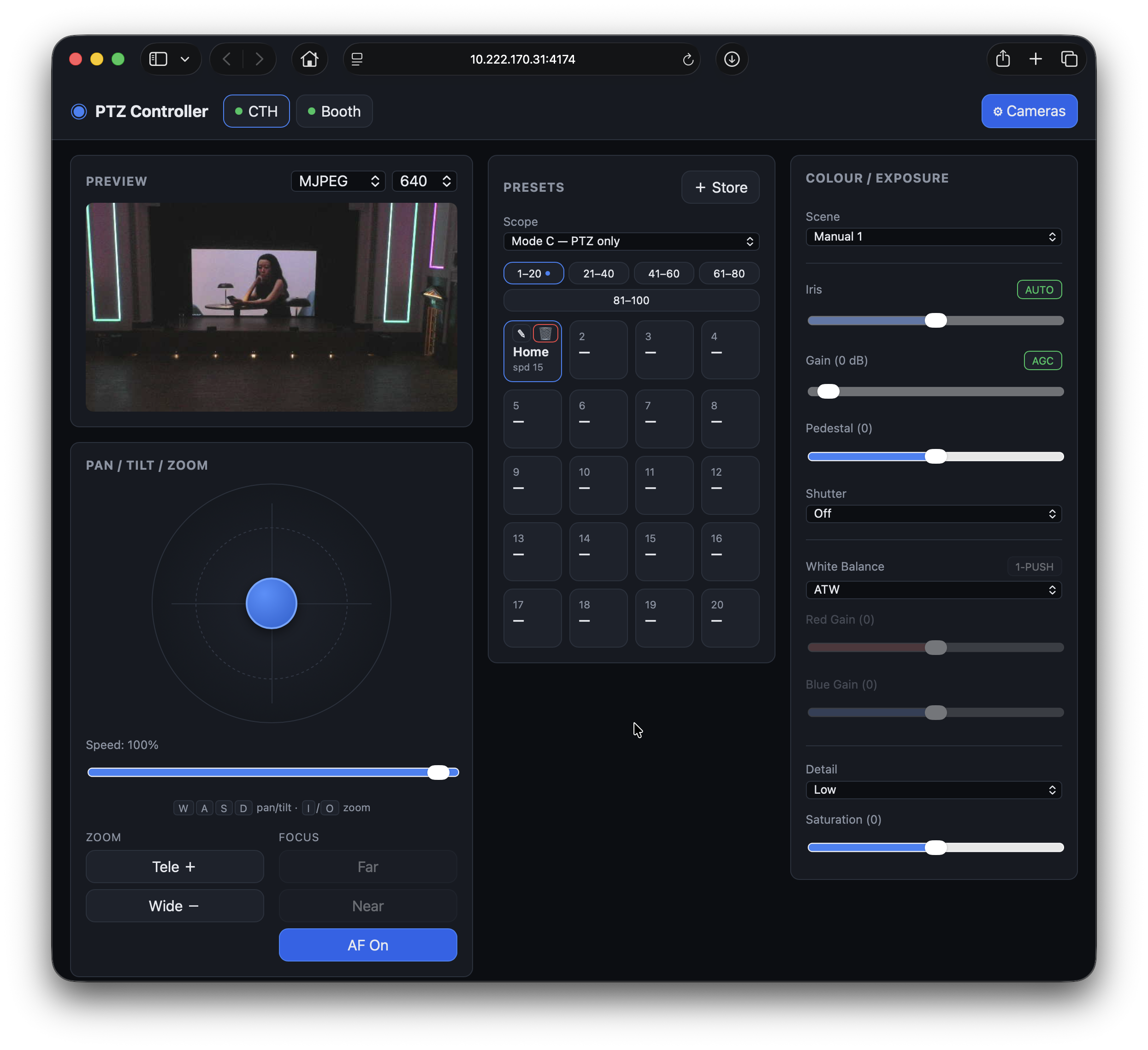
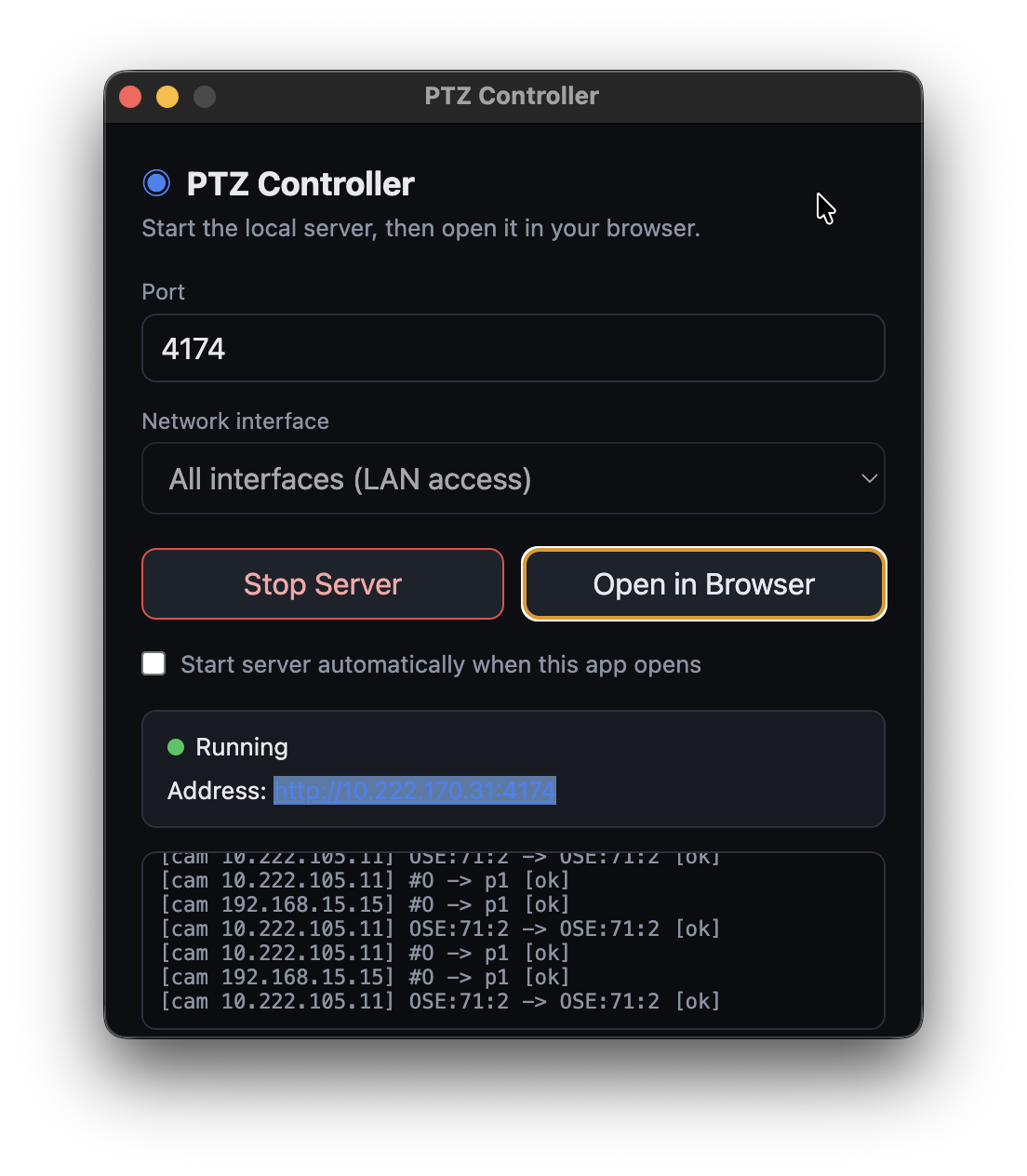
PTZ Controller runs a small local server on your Mac or Windows machine and serves a control surface to any browser on the same network. Add your Panasonic AW-series cameras once, then operate them from a laptop, tablet or second machine — no per-seat install. Each camera gets a live preview, a full pan/tilt/zoom pad, recallable presets and paint (iris, gain, white balance) controls, with online status shown per camera.
Features
- Browser-based control surface — operate cameras from any device on the network, no extra installs
- Live MJPEG preview with selectable resolution and real-time online / offline status
- Pan / tilt / zoom joystick pad with variable speed and keyboard shortcuts (W/A/S/D to move, I/O to zoom)
- Zoom Tele / Wide and focus Far / Near with one-touch auto-focus
- Up to 100 presets in banks — store and recall camera positions with per-preset speed
- Full colour / exposure paint — iris, gain, pedestal, shutter, white balance, red / blue gain, detail and saturation
- Scene modes for quick recall of camera setups
- Multi-camera tabs with quick switching and connection status dots
- LAN access — bind to all interfaces so operators on other machines can connect
- Auto-reconnect — keeps the last-known camera list and recovers when the server returns
- Works with Panasonic AW-series cameras over their published HTTP protocol
Download
Available for Mac and Windows. Free to download and use.